Filament DAM — Enterprise
EnterpriseNot on Packagist. This plugin powers our enterprise DAM SaaS — try the live product on asset-flow.codenzia.com or get in touch about custom licensing.
Asset Browser Demo
The Asset Browser is the centerpiece of the DAM — a visual grid where you can browse, filter, and inspect assets. Use the Settings button above to configure the view and toggle features.
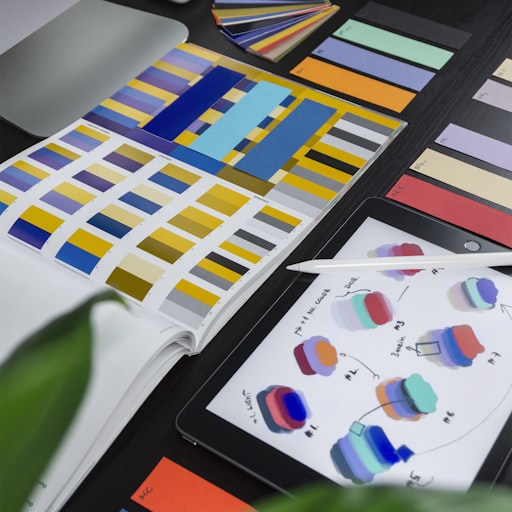
Brand Identity Design Logo
image/jpeg · 57 KB

Marketing Campaign Logo
image/jpeg · 55.9 KB

Website Redesign Logo
image/jpeg · 38.9 KB

Mobile App Development Logo
image/jpeg · 47.7 KB

E-Commerce Platform Logo
image/jpeg · 39.6 KB

Summer Collection Preview — Cover
image/jpeg · 89 KB

The Power of Comments in Collaborative Workflows — Cover
image/jpeg · 117.3 KB

Customizing Your Filament Panel with Panel Base — Cover
image/jpeg · 91.2 KB
 Archived
Lifestyle Icon
image/jpeg · 30.7 KB
 Draft
Draft
Getting Started with Filament Media Plugin — Cover
image/jpeg · 83.1 KB

10 Tips for Better Product Photography — Cover
image/jpeg · 78.1 KB

Building Interactive Gantt Charts with Filament — Cover
image/jpeg · 61.5 KB

How to Organize Your Digital Assets — Cover
image/jpeg · 120.3 KB
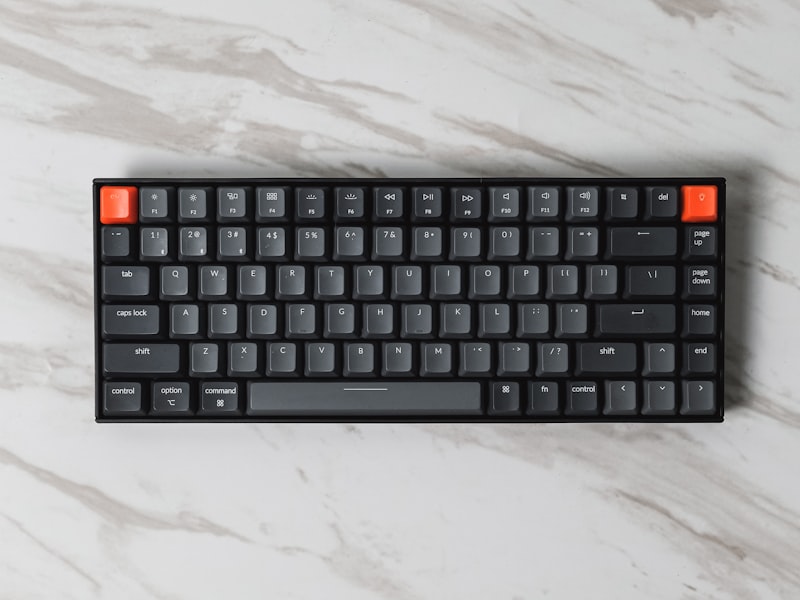 Draft
Draft
Mechanical Keyboard RGB — Featured
image/jpeg · 60.2 KB
 In Review
Electronics Icon
image/jpeg · 36.3 KB
 Approved
Clothing Icon
image/jpeg · 42.6 KB
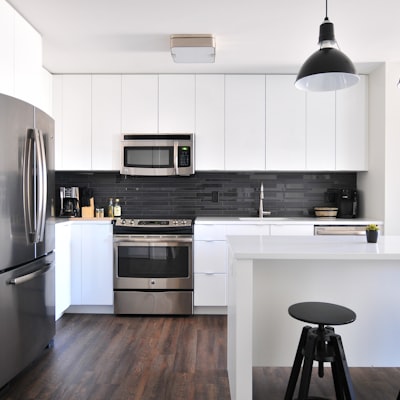 Published
Home & Garden Icon
image/jpeg · 27.1 KB
 Published
Sports Icon
image/jpeg · 49.6 KB
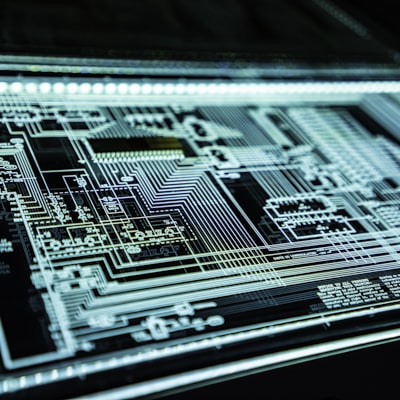 Published
Technology Icon
image/jpeg · 49.3 KB
 Published
4K Webcam — Featured
image/jpeg · 223.8 KB
 Archived
Yoga Mat Premium — Featured
image/jpeg · 42 KB
 Published
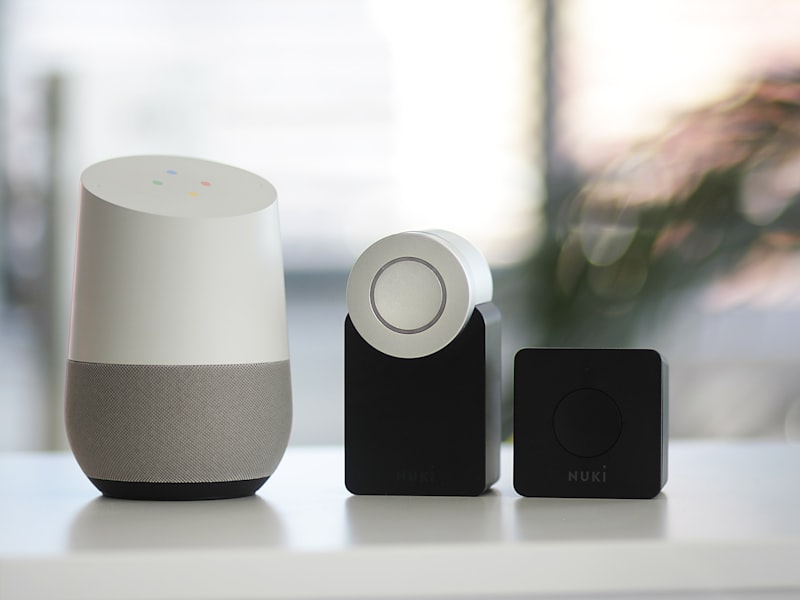
Smart Home Hub — Featured
image/jpeg · 39.3 KB
 Draft
Draft
Wireless Bluetooth Headphones — Featured
image/jpeg · 47.4 KB
 In Review
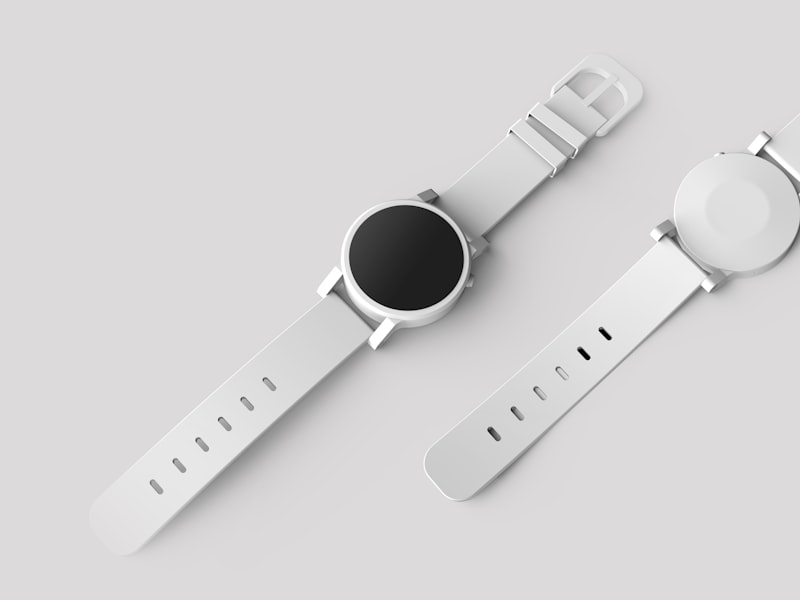
Smart Watch Pro — Featured
image/jpeg · 20.2 KB
Generated Configuration
This code updates live as you change settings. Copy it to your panel provider and config file.
Feature Modules
Every feature can be toggled via config/filament-dam.php flags. Click View Code to see usage examples.
Renditions & Output Profiles
Auto-generate WebP, AVIF, JPEG, PNG variants per output profile. Define channel-specific sizes, quality, and transformation pipelines.
Focal Point Cropping
User-defined focal points ensure the important area is preserved across all aspect ratios and rendition sizes.
Brand Portals
Branded, public-facing galleries with password protection, expiry dates, and custom branding for external stakeholders.
Rights & License Management
License templates (RF, RM, CC, Editorial), per-asset rights with expiry, territory restrictions, and attribution tracking.
Smart Collections
Dynamic collections auto-populate based on saved criteria: type, tags, metadata, size range, date range.
AI Enrichment
Auto-tag, describe, and generate alt text via Claude or OpenAI Vision APIs. Batch enrich via CLI.
Usage Tracking
Automatically tracks where each asset is used across models. "Where is this used?" queries and orphan detection.
Color & Metadata Extraction
k-means color palette extraction and full EXIF/IPTC/XMP/GPS metadata extraction with structured storage.
Architecture
Filament DAM is an enterprise Digital Asset Management layer built on top of filament-media.
filament-media (Foundation)
Upload, store, organize, tag, version, search — the solid file management base.
filament-dam (Enterprise Layer)
Renditions, portals, rights, AI, analytics — the DAM capabilities on top.
filament-workflow (Optional)
Approval workflows for asset publishing — draft → review → approved → published.
Artisan Commands
php artisan dam:generate-renditions --limit=100
php artisan dam:generate-renditions --file=42
php artisan dam:generate-renditions --profile=social
php artisan dam:enrich --type=all --limit=50
php artisan dam:enrich --file=42 --type=tags
php artisan dam:check-expiry
php artisan dam:cleanup --days=90
Quick Start
Get up and running with enterprise DAM in minutes: